


MULTIROTOR


Innovation and Performance for a simplified assembly.
Superior efficiency, exceptional stability.
VTOL
FIXED WING
FPV




Source : HOBBYWINGDate : 12th Dec 2025
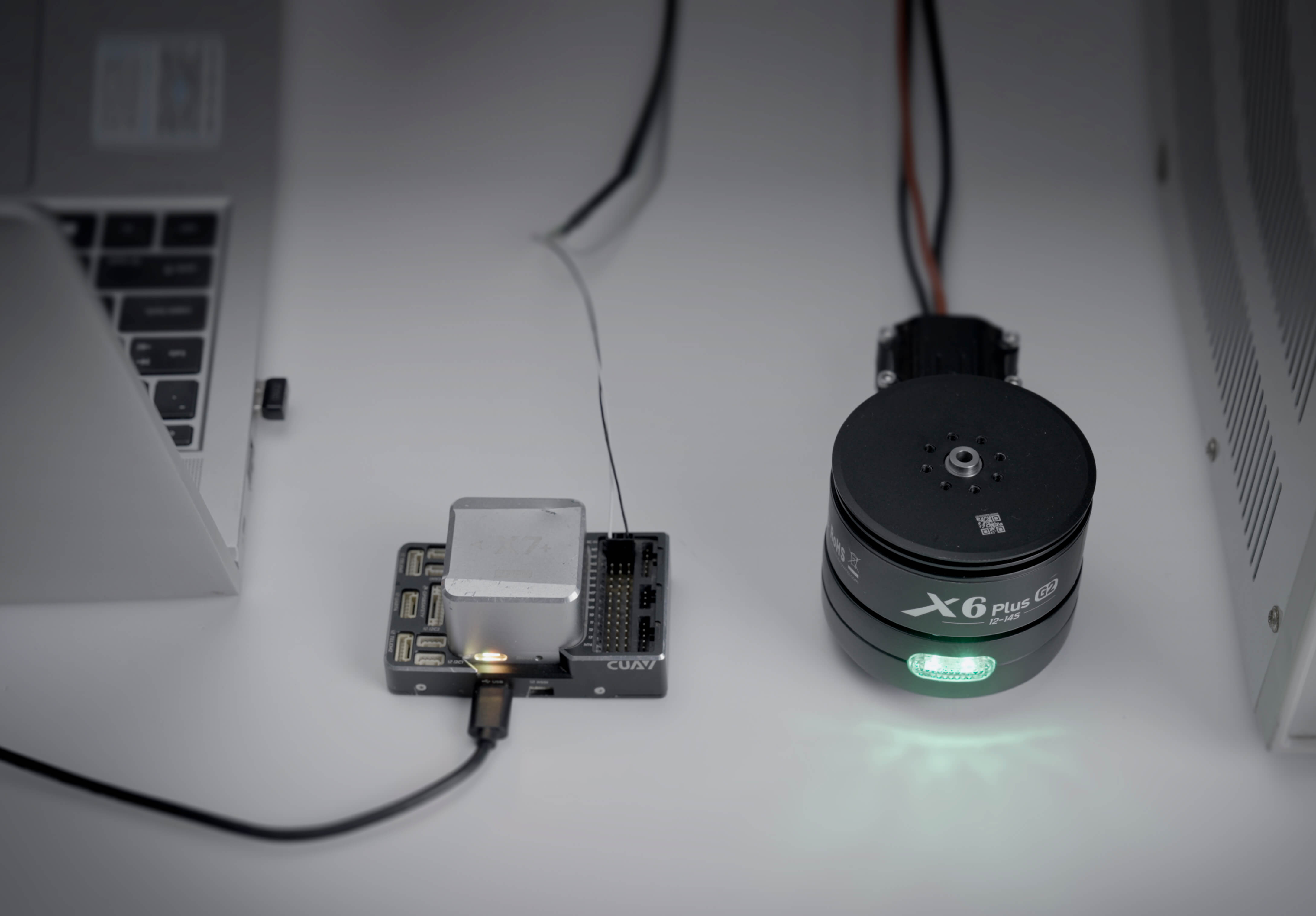
For users operating drones with the ArduPilot flight controller, adjusting the PWM throttle range through the Mission Planner ground station is an essential step. This article provides a detailed guide on how to correctly set the PWM range on ArduPilot open-source flight controller when using a HOBBYWING drone propulsion system.
When powering on the drone ESC and motor, you may hear motor beeps and see LED flashes. This indicates that the drone propulsion system is powering on without the throttle stick at the bottom, at the zero point. To ensure safe configuration of your UAV propulsion system, please disconnect the power before proceeding with the following ArduPilot flight controller setup steps.
Open to the Mission Planner page of ArduPilot flight controller and follow the steps below to configure the PWM range for the HOBBYWING drone propulsion system:
1)Navigate to “SETUP” page → find “ESC Calibration”
2)Set Output PWM Min to 1050, which matches the X6 Plus G2 drone propulsion system’s minimum throttle requirement.
3)Set Output PWM Max to 1950, the recommended maximum throttle PWM value for the X6 Plus G2 all-in-one propulsion system.
To verify that the PWM range have been successfully written to the ArduPilot flight controller:
1)Go to “CONFIG” page in Mission Planner
2)Open “Full Parameter List“
3)Search for “MOT_PWM” and confirm the following entries for your UAV ESC:
· MOT_ PWM_MIN=1050
· MOT_PWM_MAX=1950
4)If needed, click “Write Params” again to save the configuration
5)Power your HOBBYWING drone motor and ESC on again. It should pass the power-on self-check normally.
The complete operation demonstration in the video linked below:
Click here to check the video
This guide uses the HOBBYWING X6 Plus G2 integrated propulsion system as an example, and the same steps apply to other HOBBYWING drone propulsion systems as well.
Source:HOBBYWINGDate: 12th Dec 2025
For users operating drones with the ArduPilot flight controller, adjusting the PWM throttle range through the Mission Planner ground station is an essential step. This article provides a detailed guide on how to correctly set the PWM range on ArduPilot open-source flight controller when using a HOBBYWING drone propulsion system.
When powering on the drone ESC and motor, you may hear motor beeps and see LED flashes. This indicates that the drone propulsion system is powering on without the throttle stick at the bottom, at the zero point. To ensure safe configuration of your UAV propulsion system, please disconnect the power before proceeding with the following ArduPilot flight controller setup steps.
Open to the Mission Planner page of ArduPilot flight controller and follow the steps below to configure the PWM range for the HOBBYWING drone propulsion system:
1)Navigate to “SETUP” page → find “ESC Calibration”
2)Set Output PWM Min to 1050, which matches the X6 Plus G2 drone propulsion system’s minimum throttle requirement.
3)Set Output PWM Max to 1950, the recommended maximum throttle PWM value for the X6 Plus G2 all-in-one propulsion system.
To verify that the PWM range have been successfully written to the ArduPilot flight controller:
1)Go to “CONFIG” page in Mission Planner
2)Open “Full Parameter List“
3)Search for “MOT_PWM” and confirm the following entries for your UAV ESC:
· MOT_ PWM_MIN=1050
· MOT_PWM_MAX=1950
4)If needed, click “Write Params” again to save the configuration
5)Power your HOBBYWING drone motor and ESC on again. It should pass the power-on self-check normally.
The complete operation demonstration in the video linked below:
Click here to check the video
This guide uses the HOBBYWING X6 Plus G2 integrated propulsion system as an example, and the same steps apply to other HOBBYWING drone propulsion systems as well.